
Your parents have tech questions
Sherry has answers
A kind, infinitely patient AI that walks your parents through any tech problem
Sherry started with a simple frustration: the technical support calls. The printer's not working. An email attachment won’t open. They can’t figure out how to switch from Netflix to cable on the TV… and you haven’t had cable in 15 years.
We built Sherry for the parents who deserve patient, unhurried help. Sherry answers every question without sighing. She never makes anyone feel silly. She's always there, and she always has time.
How it works
Step 1You fill out a quick form
Tell us your parent's name and which devices they use. Takes two minutes.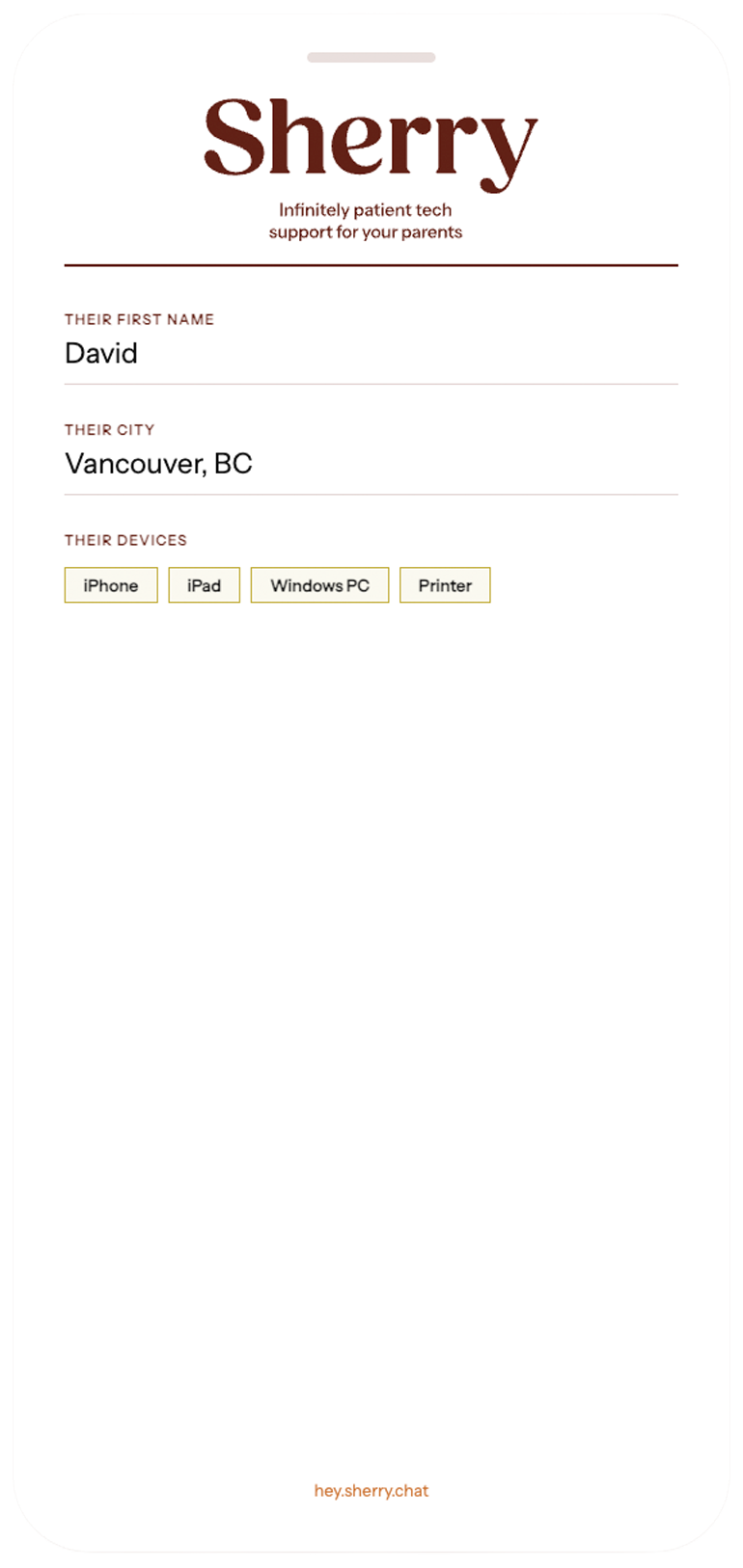
Step 2We send you a link
A unique link arrives in your inbox. Forward it to your parent by text or email.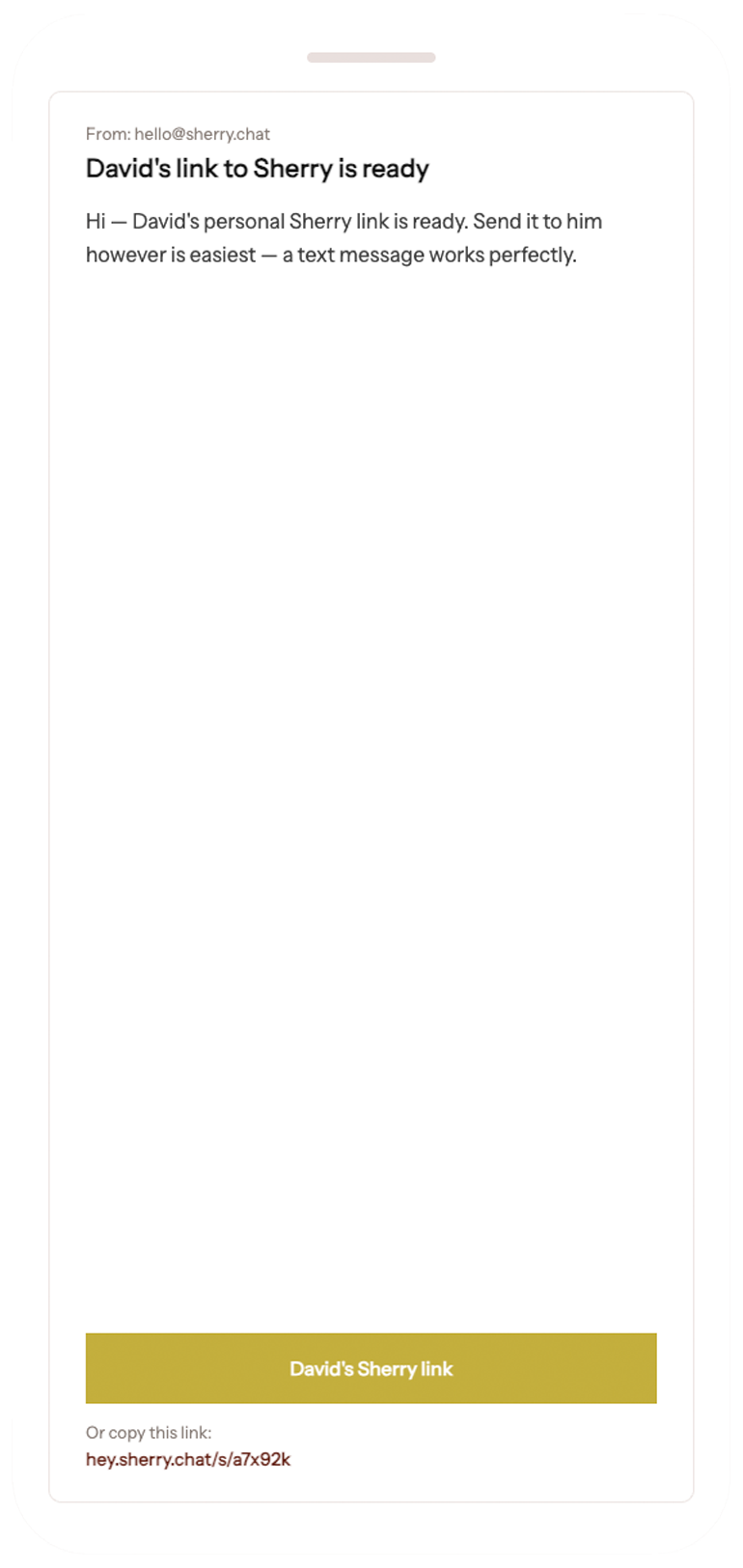
Step 3Tap one button and talk
No app to download, no account to create. Your parent opens the link and taps the button.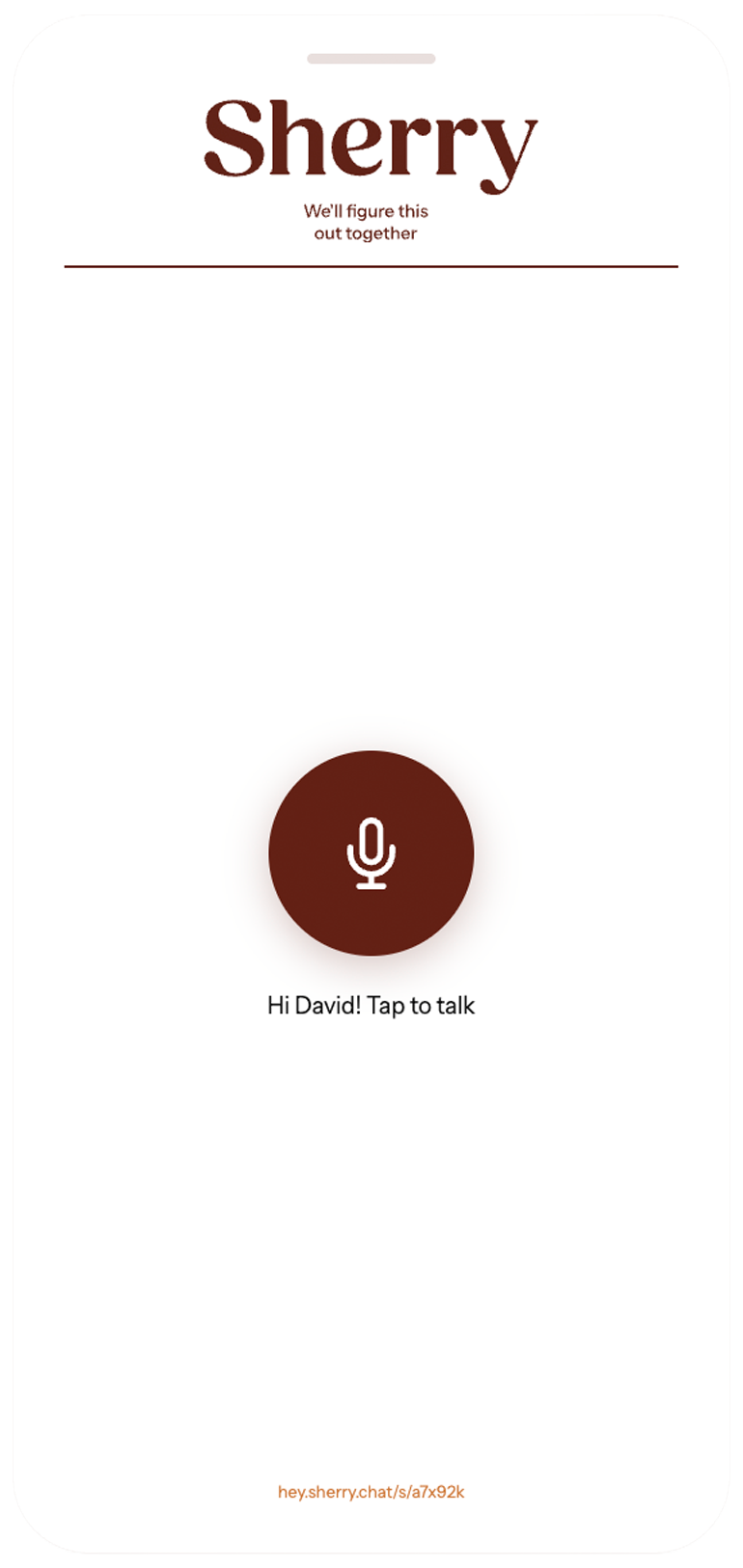
Step 4Sherry handles it patiently
Sherry talks them through the problem. If anything seems wrong, you'll hear about it.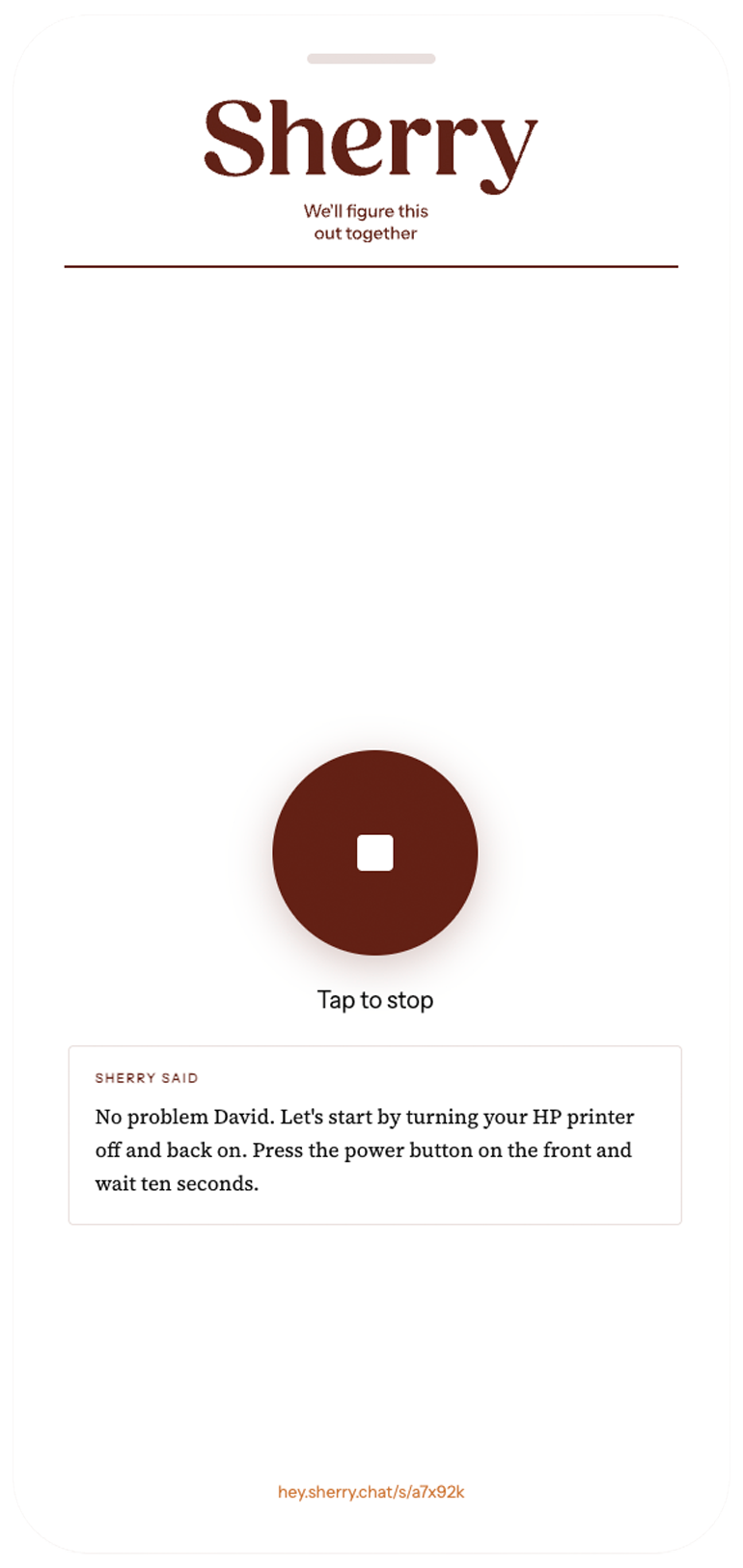
Set up Sherry today
Only takes two minutes.
Fewer tech support phone calls afterwards.
Frequently Asked Questions
-
When you fill out the setup form you tell us which devices your parent uses and what model they are. Sherry uses that information in every conversation so the instructions she gives match exactly what your parent sees on their screen. If you tell us what city your parent is in, Sherry can connect them with someone Taskrabbit or point them where to get a replacement device.
-
Pretty much any everyday tech frustration — WiFi not working, how to work the McDonald’s app, phone running slow, printer won't connect, forgot a password, screen looks wrong, printing a PDF attachment, switching the HDMI source on a Smart TV. If it's a hardware problem that needs someone in person, Sherry will say so and help them find local help.
-
Sherry is trained to recognise common scam patterns — fake Microsoft calls, threatening popups, requests for gift cards or remote access. If she detects something suspicious she'll calmly advise your parent not to proceed and to contact you. You'll also receive an alert email from us right away so you can follow up.
-
Yes. If Sherry flags a potential scam, signs of distress, or anything that seems urgent, we'll send you an email alert immediately describing what was said so you can reach out to your parent.
-
No. You send them a link and they open it in their browser. One big button, they tap it and start talking. Nothing to install, no account to create, no password to remember. Works on computers, tablets, and phones.
-
Fill out a new setup form and send them the new link. It takes two minutes and Sherry will be fully up to date.
-
Your parent's device information and conversation summaries are stored securely and never sold or shared with third parties. Sherry will never ask your parent for passwords, financial information, or any sensitive personal details. We use anonymised interaction data to improve Sherry.
-
Sherry was made by Michael Mann, a Vancouver-based marketer, and Kellen Powell, an Austin-based customer experience expert. We built it because we both know a lot of people who need it.